Before you can fully explore the park and access important features such as perk machines and traps, you'll need to restore power across the map. Unlike some Zombies maps, Zombies in Spaceland requires you to activate five separate power switches, with each one powering a different section of the theme park.
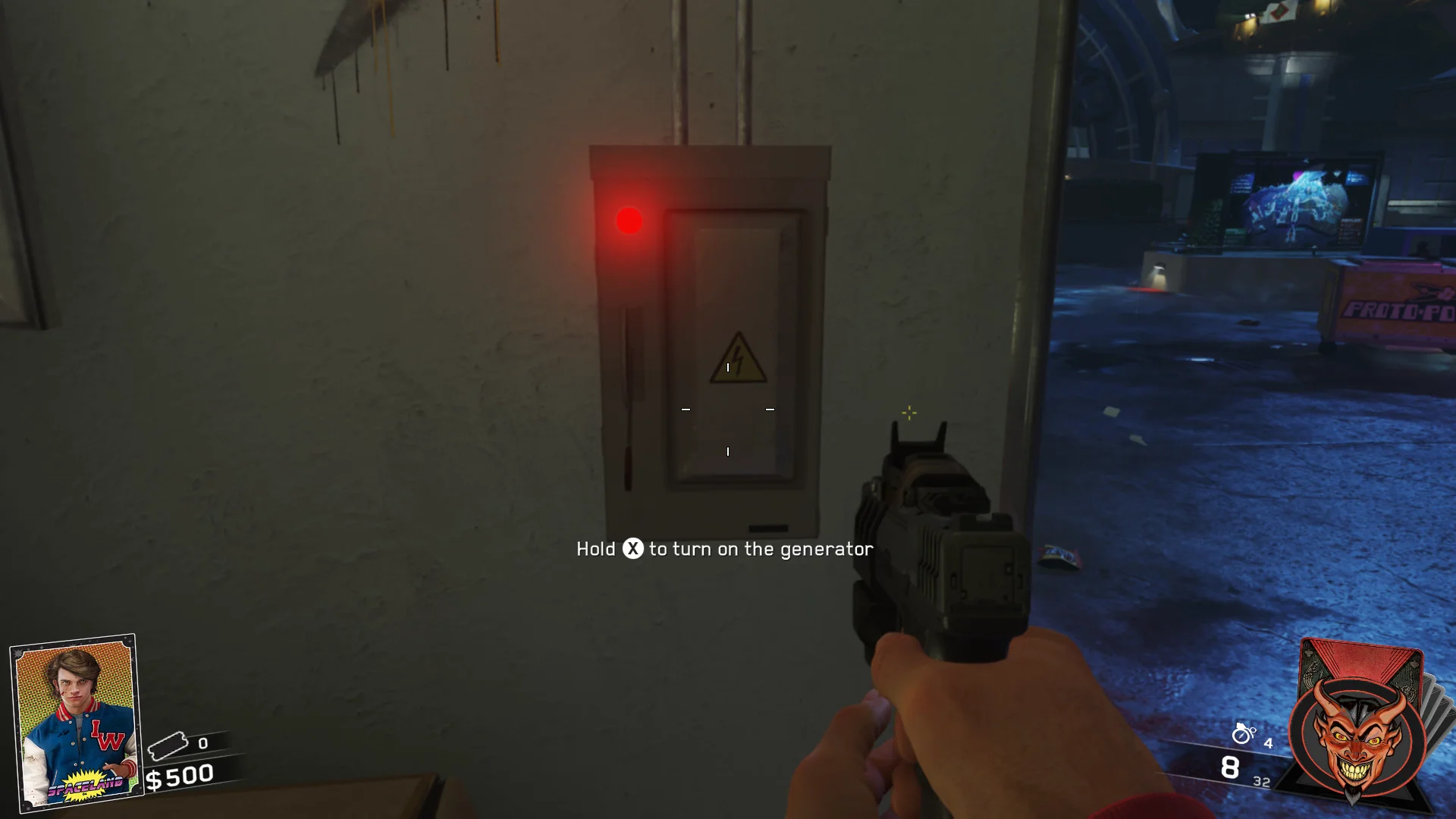
1. Spawn Area
From the starting area, head into the small room on the right-hand side near the Lost & Found. Inside, you'll find the first power switch mounted on the wall.
2. Journey Into Space
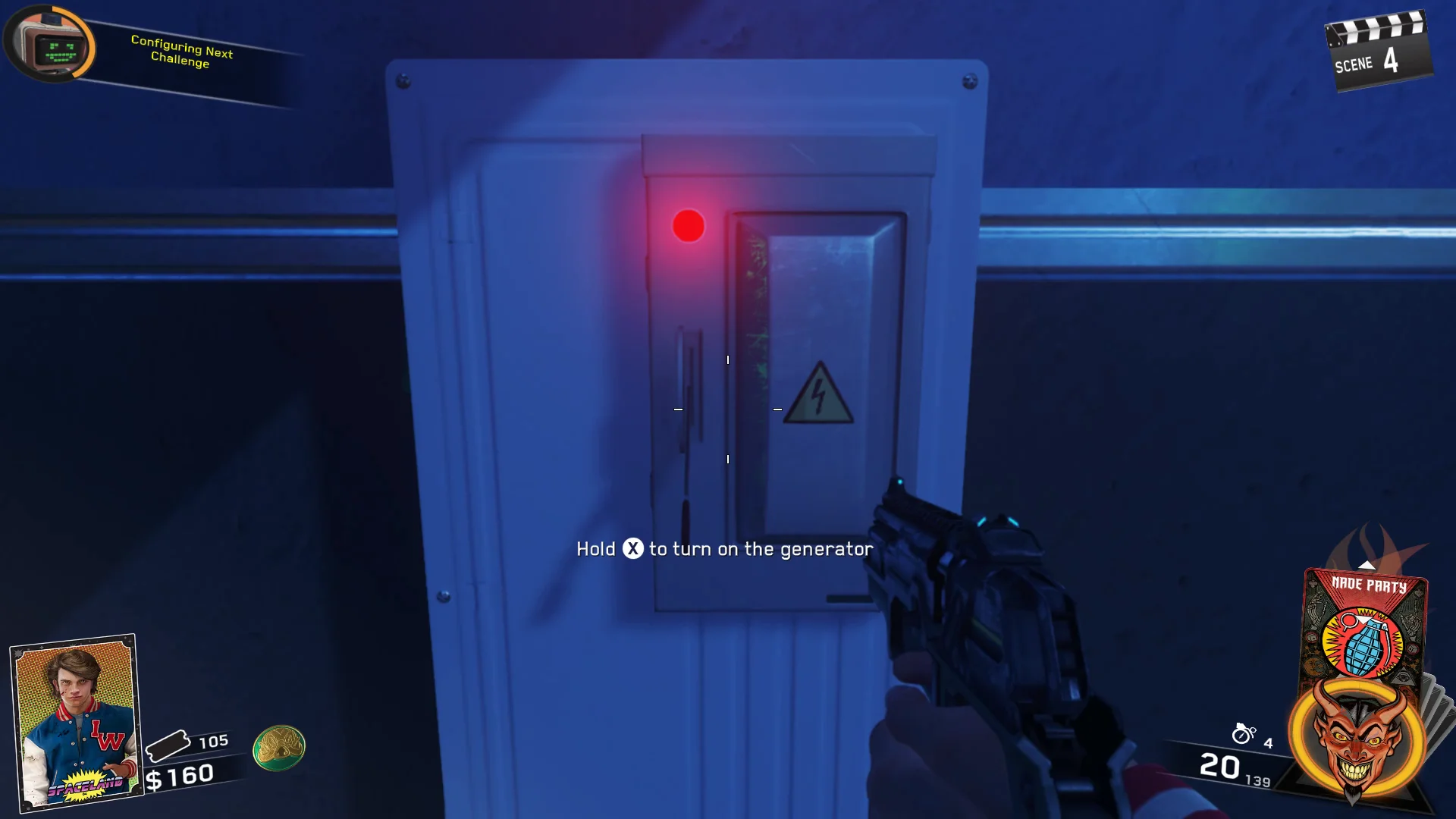
Make your way to the bumper car section of Journey Into Space. Look for a narrow corridor leading toward the Star Mission trap, where the next switch can be found.
3. Astro Arcade
Head into Astro Arcade and take the stairs on the left side of the area. At the top, you'll find the power switch attached to the wall beside the portal entrance.

4. Kepler System
Travel to the Kepler System and follow the ramp upward. Go through the doorway on the left and continue straight up the stairs. The power switch is located on the wall at the top.
5. Polar Peak
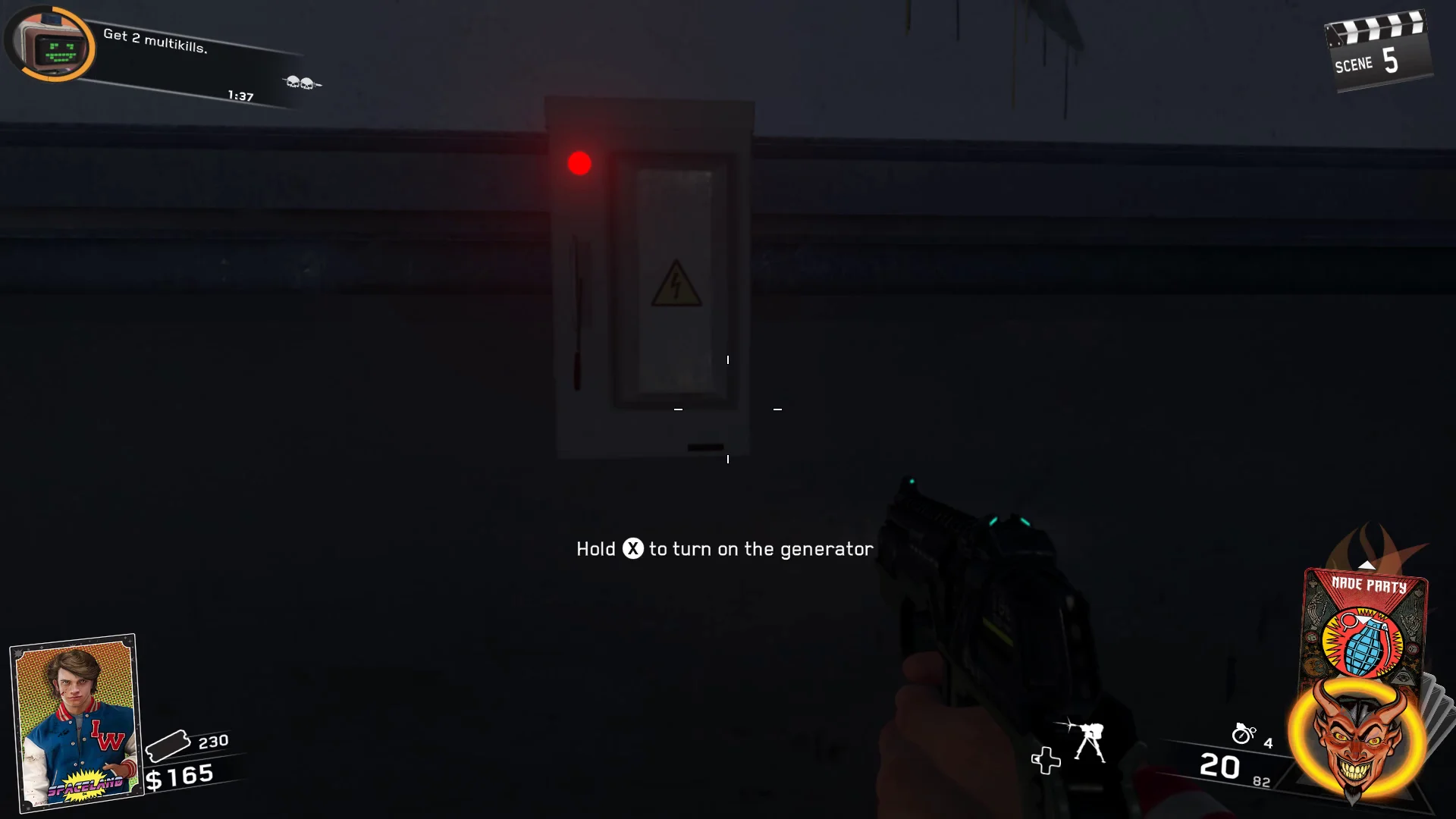
Enter Polar Peak and follow the hallway leading toward the roller coaster. The final power switch is mounted on the wall opposite the coaster entrance, close to the Quickies perk machine.
Power Activated
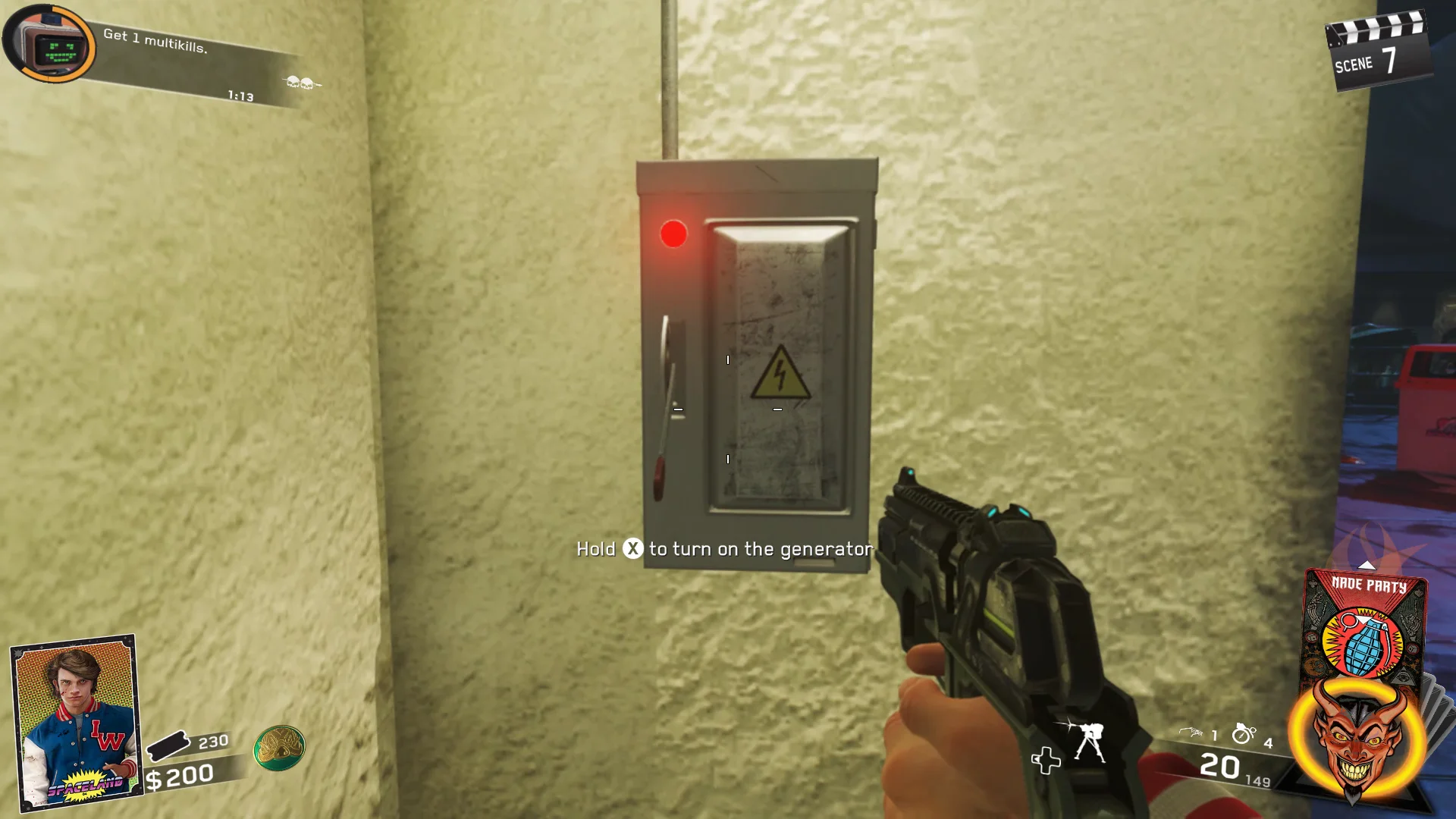
Once all five switches have been turned on, every area of the park will be fully powered, allowing you to use perk machines, activate traps, and continue progressing through the map.